Key takeaway
Employers must keep records that show they met their holiday and holiday-pay duties, and retain each record for six years from the date it was made, under regulation 16B of the Working Time Regulations 1998. The format is your choice. Keep the method, leave taken, calculation weeks, payment and leaver workings together in one pack.
Since 6 April 2026, UK employers must keep records that show they have given workers the holiday and holiday pay they are owed, and must keep each record for six years from the date it was made. The duty is regulation 16B of the Working Time Regulations 1998, inserted by section 35 of the Employment Rights Act 2025. The law lets you choose the format, so a folder of spreadsheets can comply if it is complete. This guide lists what an evidence pack should hold for security, cleaning and FM staff, covers leavers, and shows which parts ShiftTracker records for you and which you must keep yourself. A monthly checklist at the end keeps it current. It is a records checklist, not legal advice. Check your contracts and your pay method with an employment adviser, because regulation 16B sets the duty to keep records and leaves the calculation rules elsewhere.
What does regulation 16B require employers to keep?
Regulation 16B requires records adequate to show whether you gave workers the leave and pay the Working Time Regulations 1998 entitle them to. That covers the 4 weeks plus 1.6 weeks of annual leave, payment for leave taken and compensation when employment ends. The test is whether the records prove compliance.
Section 35 also adds regulation 16B(1) to the offences in regulation 29, so failing to keep adequate records is itself an offence. This guide does not quote penalties. Secondary sources disagree on them, so take the current position from your adviser or from legislation.gov.uk.
Which holiday records should an evidence pack hold?
An evidence pack should let a third party rebuild every holiday payment from the records alone. For each worker that means the contract basis, the method used, the leave taken, the pay calculated and who approved it. Keep all of it in one place so you can produce it quickly.
A practical pack holds, for each worker:
The contract basis (fixed-hours, irregular-hours or part-year) and the contract itself.
The holiday-pay method in force, the date it applied from, and the date of any change.
Leave requested, approved and taken, with dates, hours or days, the approver and the approval date.
The leave year dates, the entitlement, the leave taken and the balance.
The calculation: the rate, the weeks averaged and the pay in each, or the rolled-up percentage and the pay period it was added to.
The payment: the pay run, the date paid and the amount.
Your written rule on which pay elements count as normal pay, agreed with your adviser.
How long must holiday-pay records be kept, and in what format?
Keep each record for six years from the date it was made, not from the end of the leave year. The law lets you use whatever manner and format you reasonably think fit, so paper, spreadsheets and software exports all qualify. What matters is that the records stay complete, readable and retrievable for the whole six years.
In practice, a payment record made on 1 May 2026 must be kept until at least 1 May 2032. Set the retention date when you create the record, and never delete a file because the worker has left. Prefer formats that open anywhere: a CSV can be searched in six years' time, a screenshot cannot. Check any automatic deletion rules in your systems, because they can remove records early.
What do leavers add to the evidence pack?
A leaver needs a final holiday calculation: leave accrued, leave taken and any payment in lieu of untaken leave. Keep that calculation with the payslip that paid it. The six-year clock runs from the date you made each record, so a leaver's file outlives their employment by years.
Regulation 16B refers to the requirements in regulation 14, which covers compensation when employment ends, so final-pay workings belong in the pack. In ShiftTracker, the manage employees screen opens on Active staff. Choose All Statuses or Terminated to see leavers. Export a leaver's pay detail and calculation records at the point of leaving, so the evidence does not depend on a screen staying available.
What does ShiftTracker record, and what does it leave out?
ShiftTracker records the holiday-pay calculation when a manager approves annual leave, including the weeks it averaged, and writes pay events to its Audit Trail. It does not record leave approvals or settings changes in the Audit Trail, and it does not produce a ready-made holiday-records pack.
When an Admin or Manager approves annual leave, ShiftTracker works out that leave's pay with the method in force and keeps the calculation. Holiday pay then appears on the Pay Detail report. The holiday pay and bank holidays guide explains the two methods, the 52-week average and rolled-up pay.
Marking a payroll record paid locks it and saves a permanent snapshot, as the payroll arbitration guide describes. The Audit Trail guide adds one row per event with the old and new value, who made the change and when. You can filter it, export it as CSV and check it with Verify integrity.

The same guide lists what the Audit Trail does not hold: logins, organisation settings changes, other edits to an employee's record, check-call actions, leave decisions and shift-pattern edits. A change of holiday-pay method under Settings will not appear there, so write down the date and who made it. Keep your own dated record of each leave approval too.
One more limit matters. The holiday-pay method is organisation-wide, and no screen sets a different method for one employee today.
How do you build the evidence pack from ShiftTracker exports?
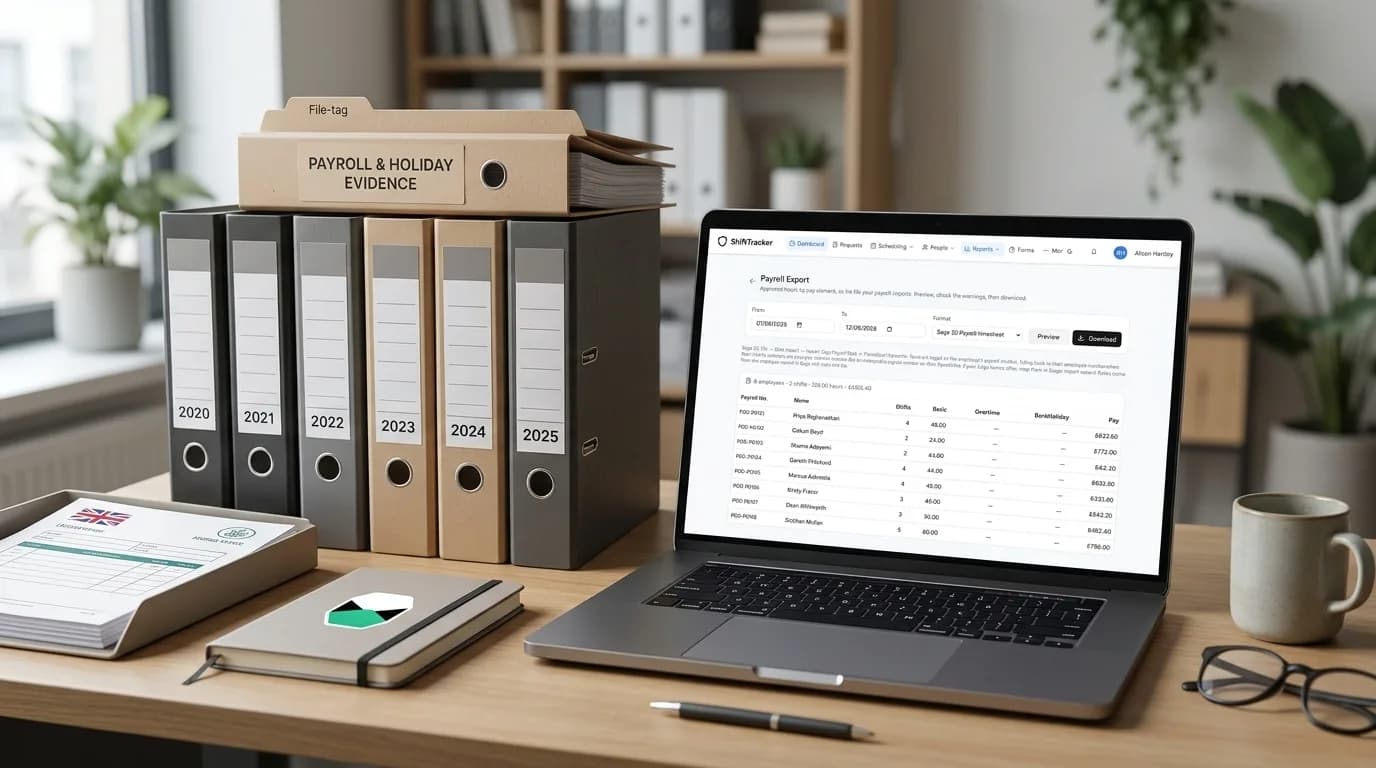
Export the Pay Detail report, the Payroll Arbitration file and a filtered Audit Trail CSV for the same date range, then add your own method-change log and leave approvals. Save the set in one dated folder each month. ShiftTracker exports are CSV, so any spreadsheet opens them later.
Pay and payroll exports need an Admin or Manager role. Work in this order:
Open Pay Detail, set the date range, press Generate and export the CSV.
Export Payroll Arbitration for the same range. The file is named arbitration, from date, to date.
If you pay through Sage 50 or a generic hours file, preview and download Payroll Export for the period.
Set the Audit Trail filters, such as the Arbitration and Payroll export entities, then press Export CSV. The export follows the filters in the boxes and stops at the 10,000 newest rows with no warning, so use monthly date ranges.
Press Verify integrity and note the result. Chain intact with 0 digests means nothing has been sealed yet, because events must be over an hour old first.
Add your own papers: contracts, the method-change log, leave approvals and your adviser's note on pay elements.

The export reports and payroll files guide covers every file and its columns. Agency officers are not in the payroll file because their agency pays them, so their holiday records sit with that agency. Confirm that split in your agency contract.
Checklist: is your holiday-records pack ready?
Run this check each month and after any change of method. It takes minutes when the exports are saved as you go, and it finds gaps while you can still fix them. A gap found now is a late note. A gap found during a pay dispute is missing evidence.
Every worker has a recorded contract basis, checked with your adviser.
The current method and its start date are written down, with any earlier methods.
Each approved leave request has a dated approval you control.
Each holiday payment has its calculation, including weeks averaged or the rolled-up percentage.
This month's exports are saved in the dated folder, with the Verify integrity result.
Each leaver has a final holiday calculation filed with their last payslip.
Nothing in the pack is due for deletion before six years from the date it was made.
This article was checked against legislation.gov.uk and ShiftTracker's documentation in October 2026. Employment law changes, so confirm current rules before you act.