Subscription and billing
ShiftTracker costs £49 a month plus £3 per active employee, with no VAT added, billed after each month ends; Professional adds £1.50 per active employee. Settings → Subscription shows this month so far, last month, who pays for each site and your storage, and lets you subscribe or switch between Core and Professional. Payment methods, invoices and billing details are in the Stripe billing portal, opened from Settings → Billing. Agencies use Agency Settings → Subscription and pay only for officers on their own sites.
Who can do this?
| Screen | Who |
|---|---|
| Settings → Subscription, Settings → Billing | Admin |
| Agency Settings → Subscription | Agency Admin |
What does ShiftTracker cost?
One price list for organisations and agencies. ShiftTracker is not VAT-registered, so no VAT is added; if that changes, you will be told first.
| Price | |
|---|---|
| ShiftTracker | £49 a month + £3 per active employee |
| Professional | + £1.50 per active employee |
| Enterprise | By quote, above 500 active employees |
Professional adds Xero timesheet and invoice push, bulk approve and mark paid, permission overrides, site managers and branding. Everything else is in ShiftTracker itself, with no limits on sites, users, agencies or requests.
Each active employee also brings 2 GB of photos and files, shared across your account.
What is an active employee?
Someone who did recorded work for you in the calendar month, in your organisation's timezone: a book-on, a check call (from the app or entered by your control room), a form submission or a timesheet clock-in. Each person counts once in the month, whether they worked one shift or twenty. Staff who did no work that month cost nothing.
Each month is billed after it ends, on that month's count. A month that starts part-way through, such as the month you subscribe in, pays the £49 only for the days it covers.
Who pays for agency officers?
The owner of the site:
- An organisation pays for every officer who works its sites, including officers an agency supplies.
- An agency pays for officers on its own client sites.
- An organisation and an agency can agree that a site's officers are billed to the agency; ShiftTracker support sets this on the site.
Agencies join free. An agency with no officers on its own sites in a month pays nothing for that month.
What is on the Subscription screen?
Settings → Subscription opens with Your bill:
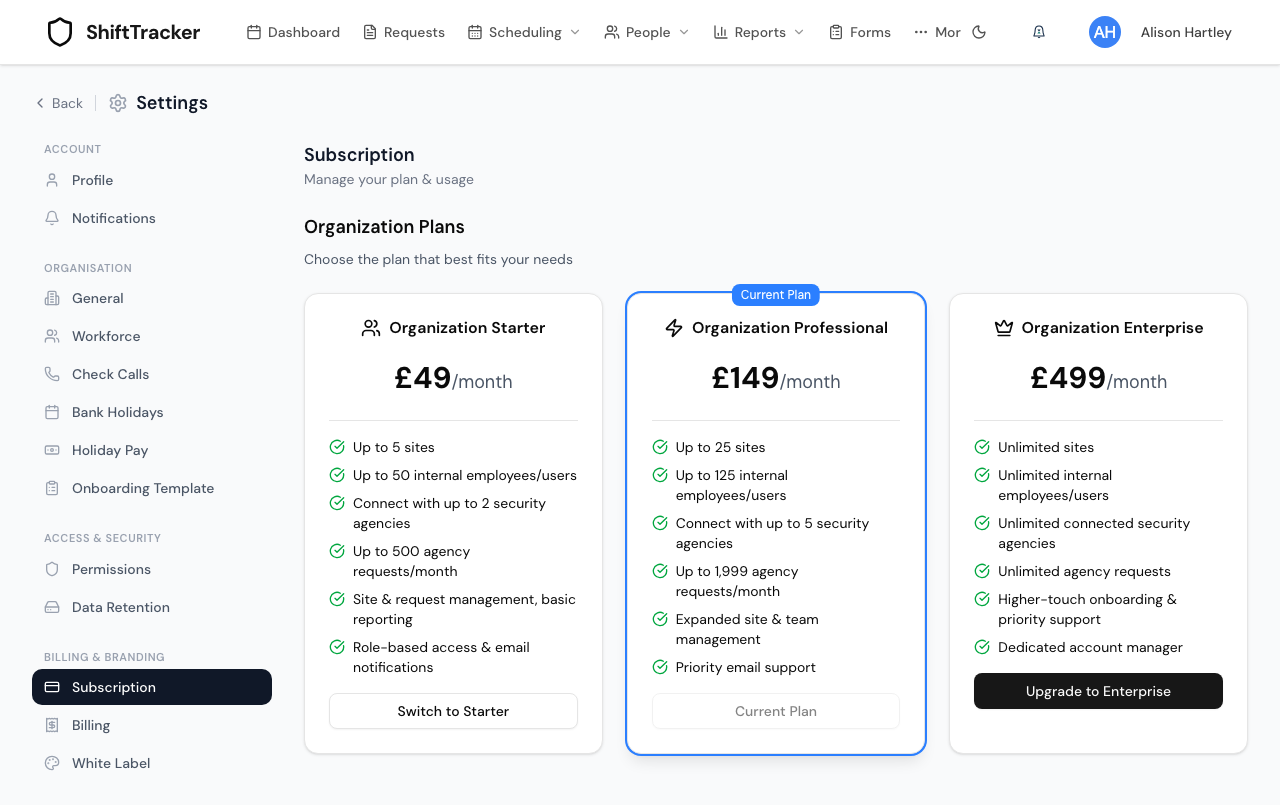
| Part | Shows |
|---|---|
| This month so far and Last month | Active employees and the bill they make |
| Your plan | Core or Professional, and any change waiting for the end of the month |
| Switch to … | Moves you between Core and Professional (see below) |
| Who pays for what | Each of your sites, who it is billed to, and its active employees this month |
| Media stored | Photos and files stored, against your allowance |
Below it, Subscribe opens Stripe's checkout if you have no subscription yet, or if yours was cancelled. There is no plan to choose at checkout: the subscription bills the active employees ShiftTracker counts each month.
How do I switch between Core and Professional?
- Go to Settings → Subscription.
- Press Switch to Professional or Switch to Core.
| Switch | When it takes effect |
|---|---|
| To Professional | Straight away. The whole month you switch in is billed at Professional. |
| To Core | At the end of the month. Professional features stay on until then. |
Choosing your current plan again before the month ends cancels a switch that is waiting. Enterprise is agreed with us, so an Enterprise account is changed by us rather than from this screen.
What happens when the trial ends?
New accounts get a 30-day trial with no card. Subscribe before it ends to keep rostering. If the trial ends without a subscription, you can still sign in and see everything, but new shifts cannot be rostered until you subscribe.
If a payment fails, Stripe retries it and you keep working. An account that stays unpaid has rostering paused until it is paid.
What is on the Billing screen?
Settings → Billing — Invoices, payment methods & billing history.
| Card | Shows | Buttons |
|---|---|---|
| Payment Method | Your cards, the default marked Default | Add Payment Method |
| Current Billing Cycle | Current Plan, Billing Status and Next Billing Date | Manage Subscription |
| Invoices & Receipts | Your latest invoices with their status | A download button on each, which opens Stripe's PDF |
| Billing History | Past payments | — |
| Billing Settings | Invoice emails, payment reminders, and billing address are managed through the Stripe billing portal. | Open Billing Portal |
Add Payment Method, Manage Subscription and Open Billing Portal all open the same place: Stripe's billing portal, which holds your cards, invoices and billing address.
An invoice for the month just ended shows as upcoming while it is being prepared, then as pending until it is paid.
What about agencies?
Agency Settings → Subscription shows the same Your bill card and Subscribe button.
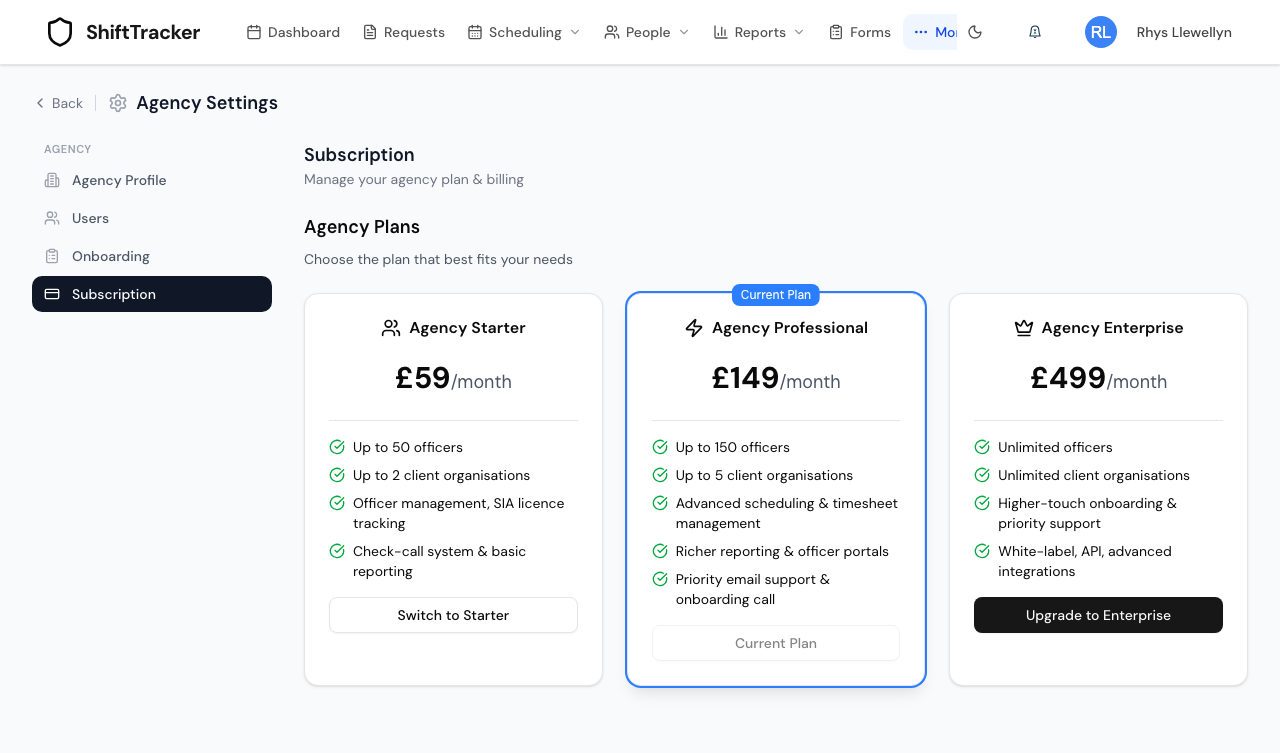 It lists the agency's own client sites, and any organisation site whose officers the agency has agreed to pay for.
Above it, a line tells you if something needs doing:
| Your subscription | You see |
|---|---|
| On trial | Trial ends …. Choose a plan below to keep your service active. |
| Payment failed | Payment failed. Update your payment method to keep your plan active. |
| Unpaid | Your subscription is unpaid. Update your payment method to restore your plan. |
| Cancelled | Your subscription has been cancelled. Choose a plan below to restart it. |
An agency only needs a subscription once it has officers working its own sites. Officers on an organisation's sites never cost the agency anything.
Agencies have no Billing screen and no way into the billing portal from ShiftTracker, so a card cannot be changed and invoices cannot be downloaded here.
Related
- Account setup
- Workforce, data retention and branding settings — branding needs Professional
- Register your agency and accept a partnership
Last updated 2026-10-22